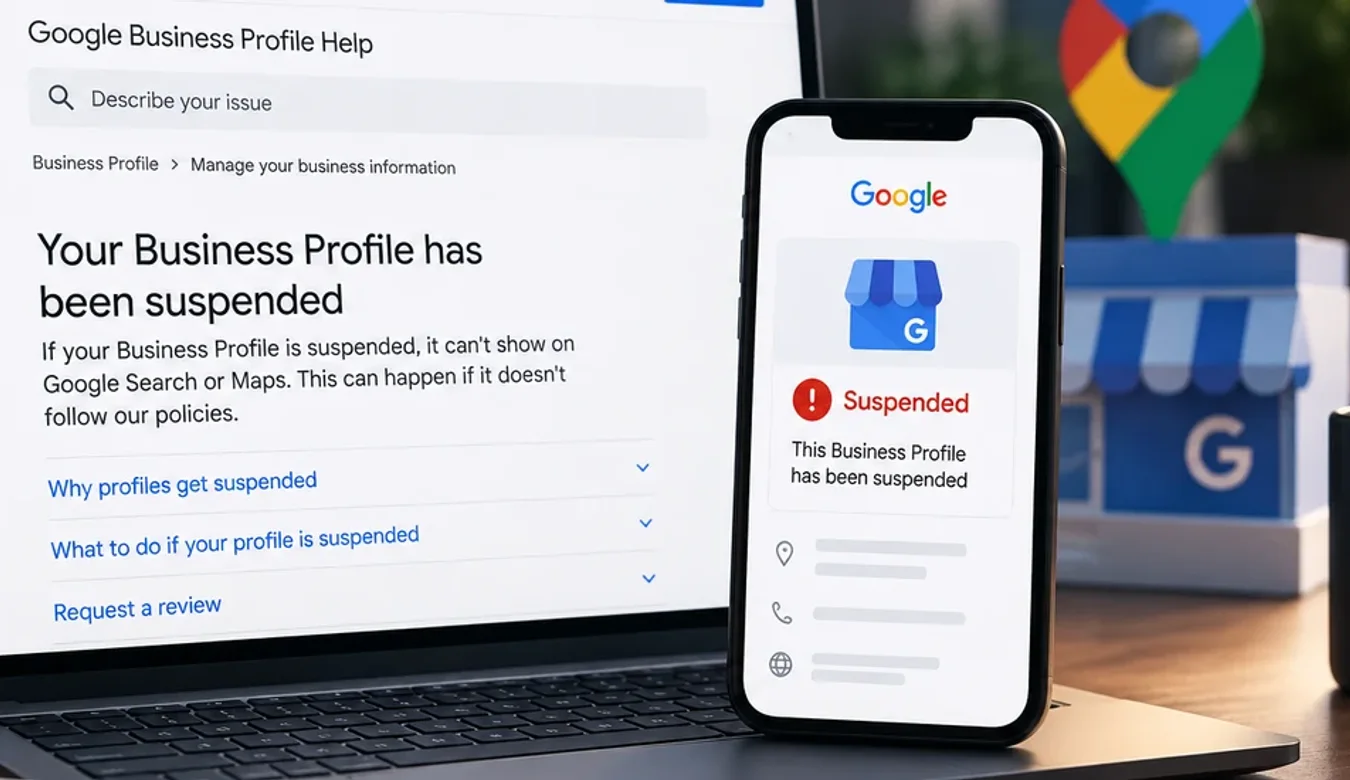
Google Business Profile Suspended: What Google Actually Says
 By Ashikur Rahman12 min read
Quick answer: a suspended Google Business Profile is appealed through the Google Business Profile appeals tool, where you select the profile, read the moderation reason and the policy it names, and submit the appeal. Google accepts official business registration, a business license, tax certificates and utility bills as evidence, and the business name and address on those documents must match the profile. The one deadline Google publishes is that once you open the evidence form you have 60 minutes to submit it or it will not be attached to your appeal. Google does not publish how long a review takes, and it does not publish a success rate. Anyone quoting you either number is guessing.
First, the part that costs people their appeal
Almost everything written about Google Business Profile suspensions leads with timelines. How many days it takes. What percentage of appeals succeed. How the backlog is doing this quarter.
Google publishes none of that. What Google does publish is a deadline, and it is the one detail that decides whether your appeal has evidence attached to it: once you open the evidence form, you have 60 minutes to submit it, or it will not be attached.
That is the whole game. If you open the appeal, then go looking for your business registration certificate, then discover the utility bill is in your landlord's name, then start emailing your accountant, the window closes and your appeal goes in bare. A bare appeal is judged on nothing. So the order of operations matters more than anything else in this article: gather the documents first, open the form second.
What Google actually says, in Google's words
The relevant page is Google Business Profile Help, "Fix suspended or disabled profiles". Read on 17 September 2026, it says this.
On why it happens: "We may suspend or disable Business Profiles that don't follow our guidelines." That is the entire stated basis. The page links out to the policy rather than listing violation types, which is itself worth knowing, because it means the specific reason for your suspension is on your own appeal screen and nowhere else.
On the process, the steps are:
| Step | What Google says to do | What it means in practice |
|---|---|---|
| 1 | Open the Google Business Profile appeals tool | Not the profile dashboard. A separate tool. |
| 2 | Confirm your Google account or switch accounts | Must be the account that manages the listing. This is where agency-managed profiles go wrong. |
| 3 | "Select the Business Profile that you want to appeal and then Continue" | Multi-location owners appeal per profile, not in bulk. |
| 4 | Review the restricted profile, the moderation reason, and the link to the violated policy | Read this before anything else. It is the only place your actual reason appears. |
| 5 | "At the bottom right, select Submit Appeal" | The point of no return for this attempt. |
| 6 | Optionally submit evidence, within 60 minutes of opening the form | Optional in name only. This is your case. |
| 7 | "We'll review your appeal and send you an email with a decision" | No timeline is given. None. |
On evidence, Google names four document types: official business registration, a business license, tax certificates, and utility bills, with electricity, phone, water and internet all listed as acceptable utilities.
And one requirement that quietly disqualifies a large share of appeals, quoted exactly: "check that the business name and address match the profile you want to make an appeal for."
The matching rule is stricter than people assume
That single sentence is where most appeals fall apart, because the documents a real business actually has on hand rarely match a Google listing precisely.
Your registration might be in a holding company's name while the profile uses your trading name. The utility bill might be addressed to the landlord, or to a previous tenant, or to a suite number the profile omits. The tax certificate might carry the accountant's address. Each of those is completely normal in a functioning business, and each of them breaks the match Google asked for.
The fix is unglamorous. Before you open the form, lay the documents next to the profile and compare them character by character. Business name, including the legal suffix. Street address, including the unit or suite. If the profile says Suite 4 and the bill does not, you either need a document that does, or you need to be ready to explain the gap in the appeal itself rather than hoping nobody notices.
What Google does not publish, and who is filling the gap
Here is what is not on that page, confirmed by reading it rather than assuming: no review duration, no success rate, and no per-attempt odds.
Now compare that against what ranks for this query. One post says reviews take 3 to 7 business days. Another says 7 to 21 days. A third says three to five business days and that a four to six week backlog cleared in January 2026. Several quote appeal success rates to the percentage point: 60 to 75% on a first appeal, 40 to 50% on a second, 20 to 30% on a third. These numbers contradict each other, they carry no source, and Google has never published any of them.
I am not going to replace them with a number of my own, because I do not have one either, and neither does anyone selling you a reinstatement service. What I can tell you is what the absence means for your decision making.
It means do not plan around a date. Do not tell your staff the profile will be back on Friday. Do not let an agency quote you a turnaround they cannot control, and treat any promise of reinstatement as a reason to walk away, because the only party who decides is Google and Google has committed to nothing.
It also means the quality of your first submission matters more than it would if you had three cheap attempts. Google does say a denied appeal can be escalated, that you may "submit an additional review to a denied request" with new evidence. But an escalation built on the same weak documents is just the same appeal again.
Work with me
Suspended, and the reason makes no sense?
Most suspensions I look at come down to one of three things: an address that should have been hidden, a business name with a service or a city added to it, or a duplicate profile nobody remembers creating. None of those is obvious from the notice Google sends you.
Send me the profile and a screenshot of what Google told you, and I will tell you which rule you are actually up against and what evidence is worth gathering first. If your case looks straightforward, I will say so and you can file it yourself.

Ashikur Rahman
SEO and AI Search Consultant
The contact links above go to me directly, so I earn from it if you hire me. Nothing else on this page is a paid placement.
What to do in the first hour
In order, and none of this requires paying anybody.
1. Read your moderation reason. It is on the appeal screen with a link to the exact policy you are said to have broken. Everything else you do depends on this, and it is the one piece of information the internet cannot give you, because it is specific to your listing.
2. Do not edit the profile. The instinct is to start fixing things. Resist it until you know what was flagged. Changing the address or the business name mid-appeal creates a second discrepancy against the documents you are about to submit.
3. Collect the four document types. Registration, license, tax certificate, utility bill. Get more than you think you need. Scan them properly, as clean readable files, not phone photos at an angle.
4. Check the match. Name and address, against the profile, character by character. Fix what you can fix legitimately before you file.
5. Only then open the appeals tool. When the evidence form opens, the clock starts, and you have 60 minutes. With everything already scanned and named on your desktop, that is comfortable. Without it, it is not.
6. Keep trading. Your profile being suspended does not remove your website, your other directory listings, or your ability to be found organically. This is the moment to notice how much of your visibility was resting on one platform you do not control.
Why profiles in some categories get hit harder
Suspensions are not distributed evenly. Two patterns come up constantly in the categories I work in.
The first is service-area businesses, meaning anyone who travels to the customer rather than receiving them at a storefront. Plumbers, mobile clinics, home care, contractors. The model is legitimate and Google explicitly supports it, but the profile has to be configured to reflect it, and a service-area business with a visible street address it does not actually operate from is a textbook flag. I have written the configuration rules up separately, quoted from Google, in the Google rules service-area businesses break by accident, which covers the address requirement, the 20-area limit and the eligibility conditions for virtual and co-working addresses.
The second is practitioner listings. Medical, dental and legal practices often have both a practice profile and individual practitioner profiles, sometimes created years apart by different people, sometimes duplicated when a doctor changed clinics. That is exactly the shape that trips duplicate and misrepresentation rules.
Neither is a reason to panic, and neither means you did something dishonest. It means those categories carry more configuration risk, so they need the configuration to be right before anyone looks at it closely.
What this does not cover
This article is about suspension and appeal. If your profile is live but simply not visible to the people you want, that is a different problem with a different fix, and I have written it up separately in how to get your business to show up on Google Maps, which covers claiming and verifying, how Google weighs relevance, distance and prominence, reviews, and the newer Ask Maps layer.
If the wider problem is that customers are finding you through AI assistants rather than a map, getting your business cited in ChatGPT and ranking in AI Overviews are the two pieces that matter most, and Search Console's Generative AI report is how you measure whether any of it is working.
The honest summary
Google tells you the steps, the four kinds of evidence, the matching requirement and one 60 minute deadline. It does not tell you how long the review takes or how likely you are to win. Everything beyond that is somebody's guess, usually somebody with a reinstatement package to sell.
Work with what is published. Gather documents first, read your moderation reason before touching anything, make the name and address match, then file once and file properly.
Frequently asked questions
How long does a Google Business Profile appeal take?
Google does not publish a review duration. The help page says only that it will review the appeal and send an email with a decision. Any specific figure you see quoted, whether three days or three weeks, is not sourced from Google. Plan your business around the profile being unavailable for an unknown period rather than around a promised date.
What evidence does Google accept for a Business Profile appeal?
Google names official business registration, a business license, tax certificates and utility bills, with electricity, phone, water and internet all listed as acceptable utilities. The requirement attached to all of them is that the business name and address must match the profile you are appealing.
What is the 60 minute rule in a Business Profile appeal?
Google states that once you open the evidence form you must submit it within 60 minutes or it will not be attached to your appeal. This is the only deadline Google publishes in the process, and it is why you should have every document scanned and ready before you open the appeals tool rather than after.
Why was my Google Business Profile suspended when I did nothing wrong?
Google's stated basis is that profiles which do not follow its guidelines may be suspended or disabled. It does not enumerate the reasons on that page, so the only place your specific reason appears is on your own appeal screen, which shows the moderation reason and links to the policy involved. Read that before assuming which rule is at issue, because the flagged item is often a configuration detail rather than anything deliberate.
Can I appeal a Google Business Profile suspension more than once?
Yes. Google says a denied request can be escalated by submitting an additional review with new evidence. The important word is new. Resubmitting the same documents that were already judged insufficient is unlikely to change the outcome, so treat a denial as a prompt to find stronger documentation rather than to try again immediately.
Should I edit my Business Profile while it is suspended?
Not before you have read the moderation reason. Editing the name or address mid-appeal can create a fresh mismatch against the documents you are about to submit, and the matching requirement is one of the few things Google states explicitly. Find out what was flagged first, then decide what genuinely needs correcting.
Do service-area businesses get suspended more often?
Service-area businesses carry more configuration risk because the model itself, travelling to the customer rather than receiving them, has to be reflected correctly in the profile. A service-area business displaying a street address it does not operate from is the common failure. The model is entirely legitimate and supported by Google when it is set up to match reality.
Does a suspension remove my Google reviews?
A suspended profile does not appear on Google Search or Maps, so the reviews attached to it are not publicly visible while the suspension stands. Google's published process is about restoring the profile rather than the reviews specifically, and the page does not commit to what is retained. Treat your review corpus as something to protect by keeping the profile compliant, not as something guaranteed to survive a dispute.
Can an agency guarantee my profile will be reinstated?
No, and a guarantee is a warning sign. Google does not publish a success rate, does not commit to a timeline, and is the only party deciding. Anyone promising reinstatement, or a specific turnaround, is committing to something they do not control. What can legitimately be improved is the quality and consistency of the evidence you submit.
What should I do while my profile is suspended?
Keep the rest of your visibility working. Your website, your other listings and your organic search presence are unaffected by a Business Profile suspension. If losing one profile has taken most of your enquiries away, that concentration is a separate business risk worth fixing regardless of how the appeal goes.
Transparency: every process detail, evidence type, quotation and the 60 minute rule in this article was read directly from Google Business Profile Help, "Fix suspended or disabled profiles", on 17 September 2026. Where Google publishes nothing, this article says so rather than substituting an estimate. There are no affiliate or tracking links on this page.