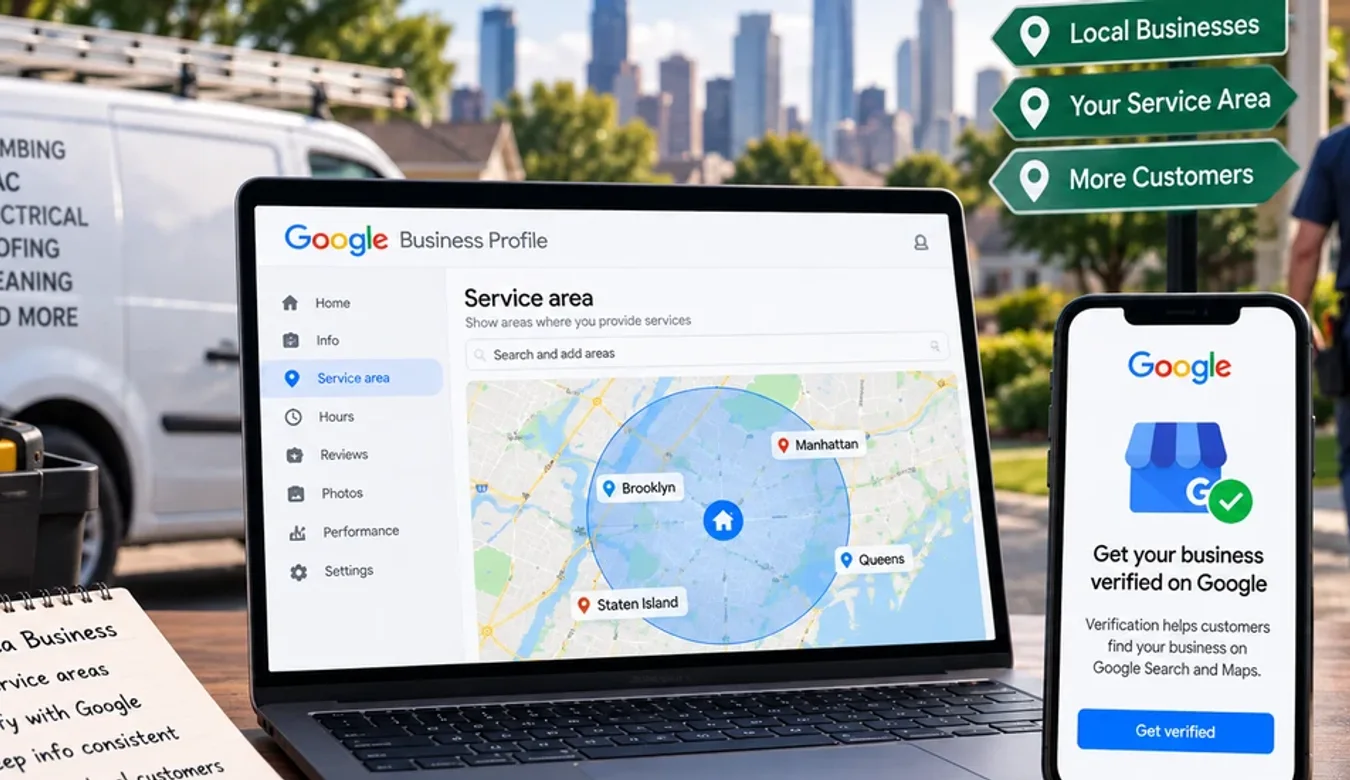
Service-Area Businesses and Google Verification: The Rules That Get Profiles Suspended
 By Ashikur Rahman11 min read
Quick answer: if you travel to your customers rather than serving them at your premises, Google requires you to remove your address from your Business Profile and list service areas instead. Its wording is direct: "If you don't serve customers at your business address, remove your address from your Business Profile." You can have up to 20 service areas, they are set by city or postal code rather than a radius, and the overall boundary should not be more than about 2 hours of driving time from where the business is based. Most service-area suspensions come from three things: an address that is displayed when it should be hidden, a location the business does not genuinely operate from, and a business name with keywords added to it.
What counts as a service-area business
If your customers never come to you, you are a service-area business. Plumbers, electricians, mobile groomers, home care, cleaning firms, mobile clinics, locksmiths, contractors, tutors who travel, delivery-only kitchens.
There is a second category Google recognises, the hybrid business, which both receives customers somewhere and travels to them. A restaurant that also delivers. A clinic with a waiting room whose nurses also do home visits. Hybrids are allowed to show their storefront address and set a service area at the same time.
The distinction matters because the address rule follows from it, and the address rule is where most profiles go wrong.
The address rule, in Google's own words
Two sentences from Google's documentation settle this, and they are worth reading carefully rather than skimming.
From the service area help page: "If you don't serve customers at your business address, remove your address from your Business Profile."
From the representation guidelines: "If you're a service-area business, you should hide your business address from customers."
That is not a suggestion about privacy. It is how Google expects the profile to be configured, and a service-area business displaying a residential or unstaffed address is exactly the shape that gets flagged. Plenty of legitimate businesses do this innocently, because showing an address feels more trustworthy and hiding it feels like something a dodgy operator would do. On Google, the opposite is true.
How to set the service areas correctly
The path, as Google documents it: open your Business Profile, choose Edit profile, then Location, then Edit next to Service area. Google's instruction at that point is to "Select a suggested service area or enter a service area", then save.
Three constraints apply, and all three are published.
| Rule | What Google says | What it means for you |
|---|---|---|
| How many | "You can have up to 20 service areas" | A hard ceiling. Pick the 20 that matter rather than listing every village. |
| How far | "The boundaries of your overall area shouldn't be more than about 2 hours of driving time from where your business is based" | A regional business, not a national one. Covering a whole country from one profile is outside the guidance. |
| What shape | "You can't set your service area as a radius distance around your business." | Set areas by city, postal code or a named area. A mileage radius is not an option. |
The 20-area ceiling catches people out. The instinct is to list everywhere you would consider driving, which produces a sprawl of small towns and uses the allowance on places that generate one job a year. Spend it on the places your customers actually come from.
Setting service areas is a configuration step, not a ranking tactic. Adding a city to the list does not make you competitive there, and I have covered what actually influences local visibility separately in how to get your business to show up on Google Maps.
The eligibility rules that quietly disqualify people
This is the section worth reading twice if you have ever wondered why a competitor's listing survives and yours did not. All of it is published by Google, and all of it applies to service-area businesses more sharply than to storefronts.
The location has to be real, and usually staffed
Google's starting principle: "Create your Business Profile for your actual, real-world location."
A virtual office does not qualify unless, in Google's words, "that office is staffed during business hours". The co-working rule is stricter still: businesses cannot list an office at a co-working space unless "that office maintains clear signage, receives customers at the location during business hours, and is staffed during business hours by your business staff".
Read that last phrase again. Your staff, at that location, during business hours, with signage, receiving customers. A hot desk you use twice a week does not meet it. Neither does a mail-forwarding address with your company name on a door.
And plainly: "P.O. boxes or mailboxes located at remote locations aren't acceptable."
For a genuine service-area business none of this is a problem, because the answer is not to find a better address. It is to hide the address and list service areas, which is what the guidance asks for anyway.
One page per location, across every account you control
"Do not create more than one page for each location of your business, either in a single account or multiple accounts."
The phrase that matters is "or multiple accounts". Duplicates rarely get created deliberately. They accumulate. A previous marketing agency made one, the owner made one years earlier with a personal Gmail, a franchise head office made another, someone claimed an auto-generated listing. Each was created in good faith and together they breach the rule.
If you are not certain how many profiles exist for your business, search for yourself in Maps before anyone else does it for you. Search the business name, then the phone number, then the address if you have ever had one listed, because duplicates often carry a slightly different name and only the number matches. When you find one, the resolution is to get the duplicate removed or merged rather than simply abandoning it, since an unclaimed listing you ignore is still a listing Google can see.
The business name is not a keyword field
Google requires the name to "reflect your business's real-world name, as used consistently on your storefront, website, stationery, and as known to customers". Marketing taglines, opening hours, special characters and location keywords do not belong in it.
So "Smith Plumbing" is the name. "Smith Plumbing | Emergency Plumber Manchester 24/7" is not, even though you will see versions of it ranking today. Keyword-stuffed names are the most visible rule break in local search and one of the easiest for a competitor to report.
It is worth being blunt about the incentive here. Adding a city and a service to your name often does lift visibility for a while, which is exactly why people do it. It also converts your profile from an asset into a liability that any competitor can remove with a suggested edit or a report.
Work with me
Is your profile set up the way Google expects?
Service-area profiles fail on configuration far more often than on anything deliberate. A visible address, a padded business name, a duplicate left behind by a previous agency. Each one sits there quietly until the day it does not.
Send me your Business Profile link and I will check it against the rules quoted above, before Google does. If it is already set up correctly I will tell you that, and you can stop worrying about it.

Ashikur Rahman
SEO and AI Search Consultant
The contact links above go to me directly, so I earn from it if you hire me. Nothing else on this page is a paid placement.
Where most service-area profiles actually go wrong
Putting it together, in the order I check them.
1. Address visible when it should be hidden. The single most common configuration error, and the easiest to fix.
2. An address the business does not genuinely operate from. Virtual office, unstaffed unit, a relative's house, a co-working desk without signage and staff. If the business is genuinely mobile, do not look for a better address. Remove it.
3. Name padded with services or a city. Works, then does not.
4. Duplicate profiles nobody remembers creating. Especially after changing agency or moving premises.
5. Service areas set to a whole country. Outside the published boundary guidance and a poor signal besides.
6. Address changed while the profile was already live. A sudden change in the most heavily verified field on the profile invites a fresh review. Expected, but worth timing deliberately rather than doing it on a whim.
7. Switching between hybrid and service-area without thinking it through. A business that closes its premises and goes fully mobile has to change how the profile is configured, not just hide a field and hope. The address comes off, the service areas go on, and everything pointing at the old address elsewhere on the web now disagrees with the profile. Sort the website and the other listings out in the same week, because inconsistency across sources is exactly the signal that invites a closer look.
If it has already been suspended
Fixing configuration and appealing a suspension are different jobs, and doing them in the wrong order makes things worse. If your profile is already suspended, do not start editing fields, because changing the name or address mid-appeal creates a mismatch against the documents you will be asked for.
Read the moderation reason first. I have written the appeal process up in full, built entirely from Google's own documentation including the four evidence types it accepts and the one deadline it publishes, in what Google actually says about suspended Business Profiles.
A note on where local search is heading
One reason to get the configuration right, beyond staying listed: your profile data increasingly feeds systems that are not Maps.
When someone asks an assistant for a plumber in their area, the answer is assembled from sources including your profile, your site and whatever else the web says about you. An accurate, consistent, unsuspended profile is part of being answerable at all. Getting your business cited in ChatGPT covers that side, and ranking in AI Overviews covers what Google itself says about being used in generated answers.
Frequently asked questions
Do I have to hide my address as a service-area business?
Yes. Google's guidance states that if you don't serve customers at your business address, remove your address from your Business Profile, and separately that if you're a service-area business you should hide your business address from customers. Displaying an address you do not serve customers at is one of the most common reasons these profiles get flagged.
How many service areas can I add?
Google states you can have up to 20 service areas. Because that is a hard ceiling, it is worth spending it on the places your customers genuinely come from rather than listing every settlement you would theoretically drive to.
Can I set my service area as a radius in miles?
No. Google's documentation says you can't set your service area as a radius distance around your business. Areas are defined by city, postal code or another named type of area instead.
How far can my service area extend?
Google's guidance is that the boundaries of your overall area shouldn't be more than about 2 hours of driving time from where your business is based. That makes a Business Profile a regional instrument. Covering an entire country from a single profile falls outside it.
Can I use a virtual office or co-working space as my address?
Only under strict conditions. Google says a virtual office is not eligible unless that office is staffed during business hours, and that a co-working office cannot be listed unless it maintains clear signage, receives customers at the location during business hours, and is staffed during business hours by your own staff. A mail-forwarding address does not qualify, and P.O. boxes or mailboxes at remote locations are not acceptable.
Can I use my home address for a service-area business?
You can base the business there, but you should not display it if customers are not served there. The correct configuration is to hide the address and list service areas, which also resolves the privacy concern most home-based owners have about publishing where they live.
What is a hybrid business?
One that both serves customers at a location and travels to them, such as a restaurant that also delivers or a clinic that also does home visits. Hybrid businesses are permitted to display their storefront address and set service areas at the same time, unlike pure service-area businesses.
Can I add my city to my business name to rank better?
Not within the rules. Google requires the name to reflect your real-world name as used consistently on your storefront, website and stationery, without marketing taglines, hours, special characters or location keywords. Keyword-stuffed names do sometimes perform in the short term, which is why they persist, but they are highly visible and easy for a competitor to report.
What if there are several Google listings for my business?
Google's rule is not to create more than one page per location, either in a single account or multiple accounts. Duplicates usually accumulate over the years through former agencies, old personal accounts and auto-generated listings rather than being created deliberately. Search for your business in Maps to find out what exists before it becomes a problem.
Will changing my address get my profile suspended?
Changing the address on a live profile can prompt a fresh review, because it is one of the most sensitive fields on the listing. That is not a reason never to update it, since an inaccurate address is its own problem, but it is a reason to make the change deliberately and with your documentation already in order.
Does setting more service areas help me rank in those places?
No. Service areas describe where you work; they are not a ranking lever. Local visibility is decided by other factors entirely, so adding towns to the list will not make you competitive in them.
Transparency: every rule, limit and quotation in this article was read directly from Google Business Profile Help on 17 September 2026, specifically the pages on managing service areas and on representing your business on Google. Google's guidance changes, so check the source before acting on anything time-sensitive. There are no affiliate or tracking links on this page.